The QR code seating chart your guests can actually use.
Print one QR code on your welcome sign or Order of Service. Guests scan it, type their name, and see their table and seat instantly — no crowd around the printed chart, no bottleneck at the door.
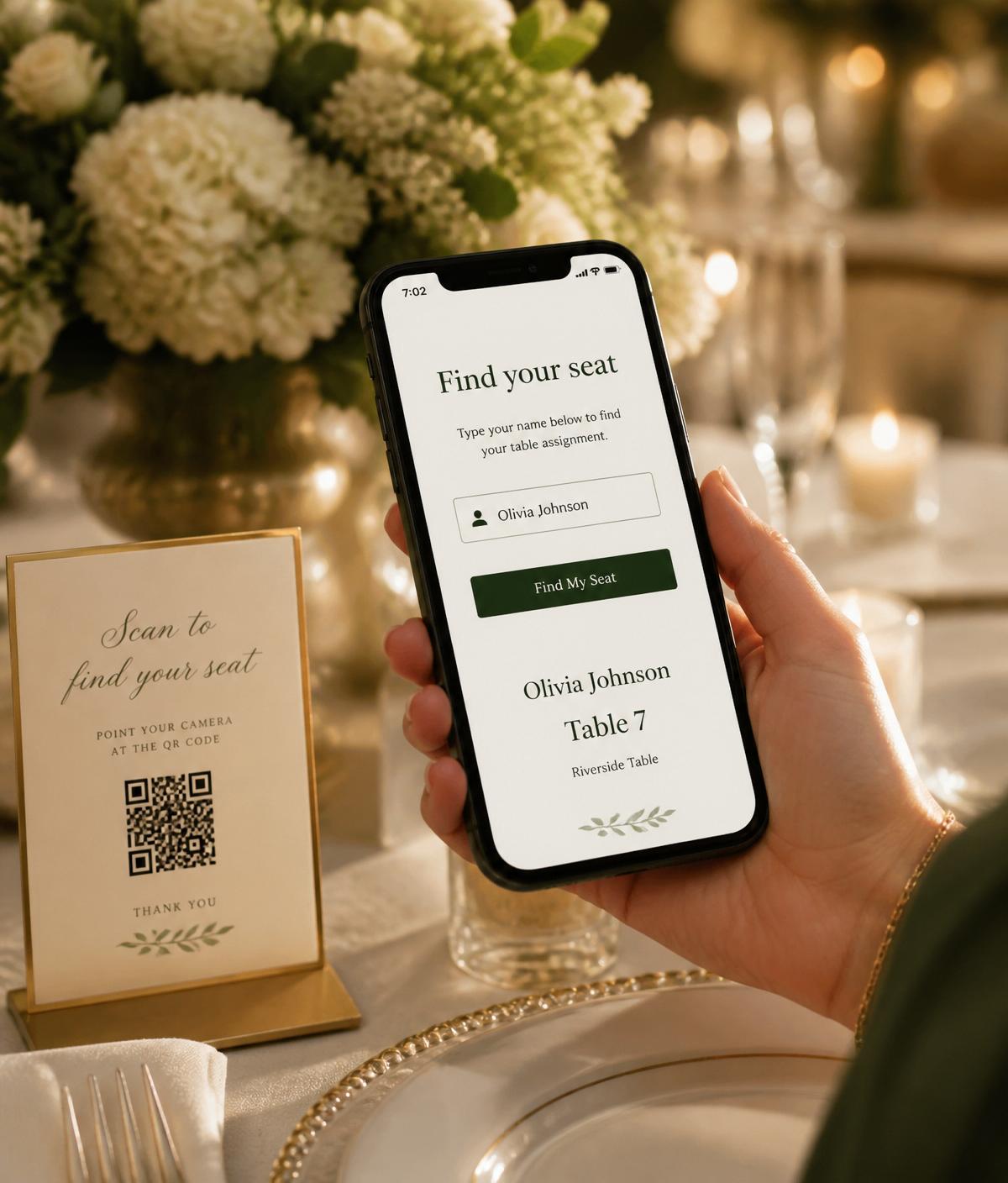
How the guest lookup works
Three taps from arriving guest to seated guest.
Where to put the QR code
One code, printed once, covers the whole venue.
Right at the entrance so guests self-serve their seat before joining the drinks queue.
A small footer on the printed programme — guests can check even after they've sat down.
Add the code to invites and guests can preview their table the week of the event.
A small card at the check-in table for anyone without their phone camera to hand.
Ushers scan on behalf of guests who don't want to fiddle with their phone.
A small card on the mirror for guests who realised mid-event they don't remember their table.
“The QR code on the welcome sign was a game-changer. Zero queue at the seating chart — every guest just scanned and walked straight to their table.”
Common questions
QR guest lookup — frequently asked.
- How does the QR code seating lookup work?
- Every event gets a unique QR code. Guests scan it with any phone camera, the lookup opens in their browser (no app to install), they type their name, and their table and seat appear instantly. Auto-complete means they usually only need to type two or three letters.
- Where do I put the QR code at the event?
- The most common spots are the welcome sign, the Order of Service, the printed programme, and a small tent card on the reception desk. You can also add it as a footer to save-the-dates for events where guests want to check placements early.
- What if a guest can't find their name?
- The lookup handles common variations (nicknames, initials, married vs maiden names) if you've entered them in the guest list. If someone still isn't found, they see a friendly 'ask a host' message so nothing looks broken.
- Is guest data private?
- The lookup only reveals a table number and seat to whoever types the matching name — it doesn't publish a full guest list. You can also show first name + surname initial (e.g. 'Sarah M.') instead of full names for extra privacy.
Pairs well with
Ready to end the seating chart queue?
Start free. Design the room, import your guests, and print your QR code onto whatever suits your event.
Get started for free